Bright, not blown out.
Choose a photograph where faces are easy to read without heavy shadows. Avoid screenshots of a dark post or a photo already filtered several times.
Check a photo →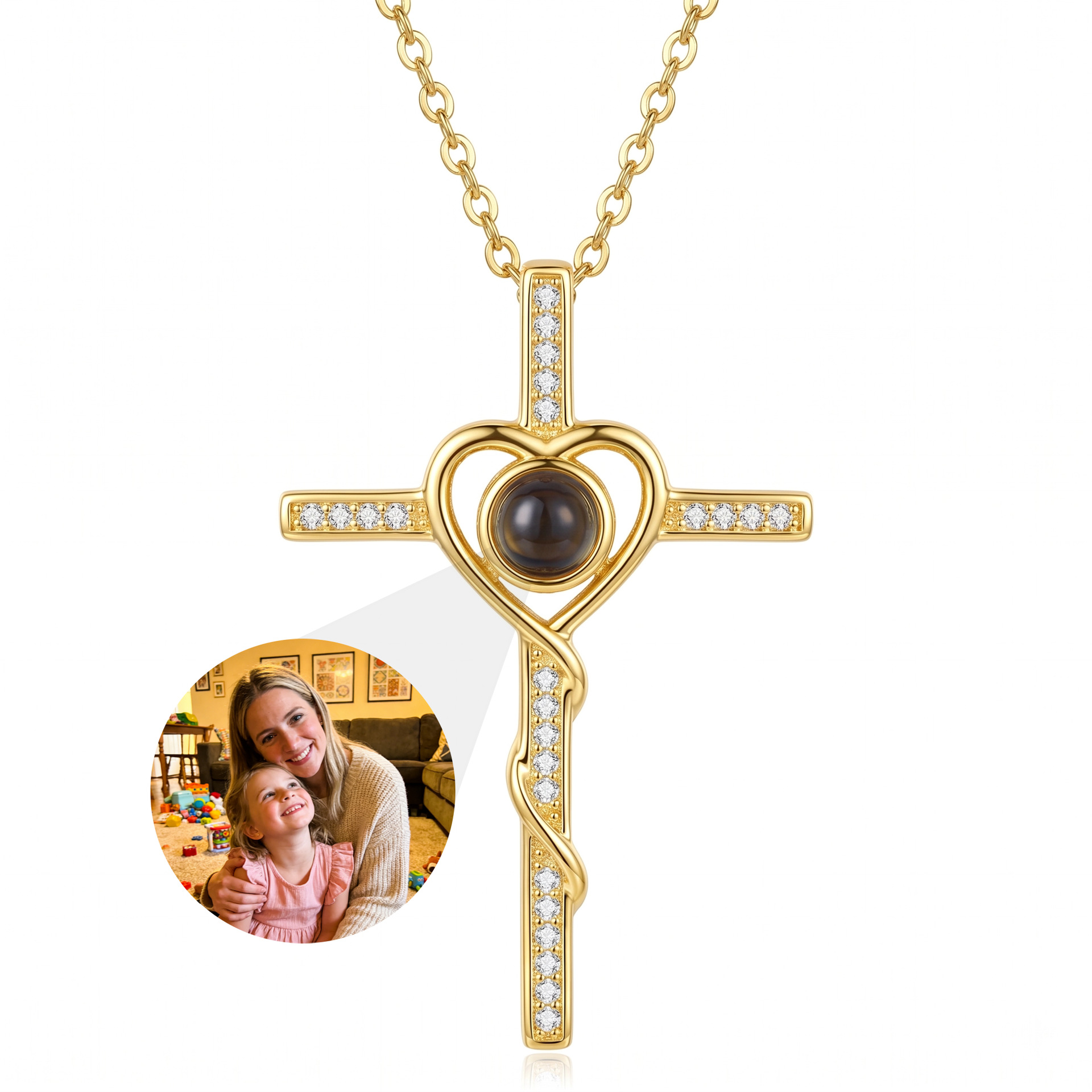
PHOTO GUIDE / BEFORE UPLOAD
01 / FOUR CHECKS
Use the original file when possible. Keep the main subject large, evenly lit and away from the edge. A group can work, but every additional face becomes smaller inside the same circle.
Choose a photograph where faces are easy to read without heavy shadows. Avoid screenshots of a dark post or a photo already filtered several times.
Check a photo →A close portrait usually survives the circular crop better than a wide scene. Keep eyes, ears and meaningful details away from the outer edge.
Try the crop →Messaging apps and social screenshots can reduce detail. Choose the camera original or the largest available version; an on-screen crop cannot recover detail that is already gone.
Why resolution matters →The browser reports dimensions and shows the crop. It cannot predict focus, brightness, color or edge detail in the physical lens.
Read the boundary →Have the photo ready?